Craft World Voxel Crafting – The Ultimate Minecraft Alternative Ready for Launch
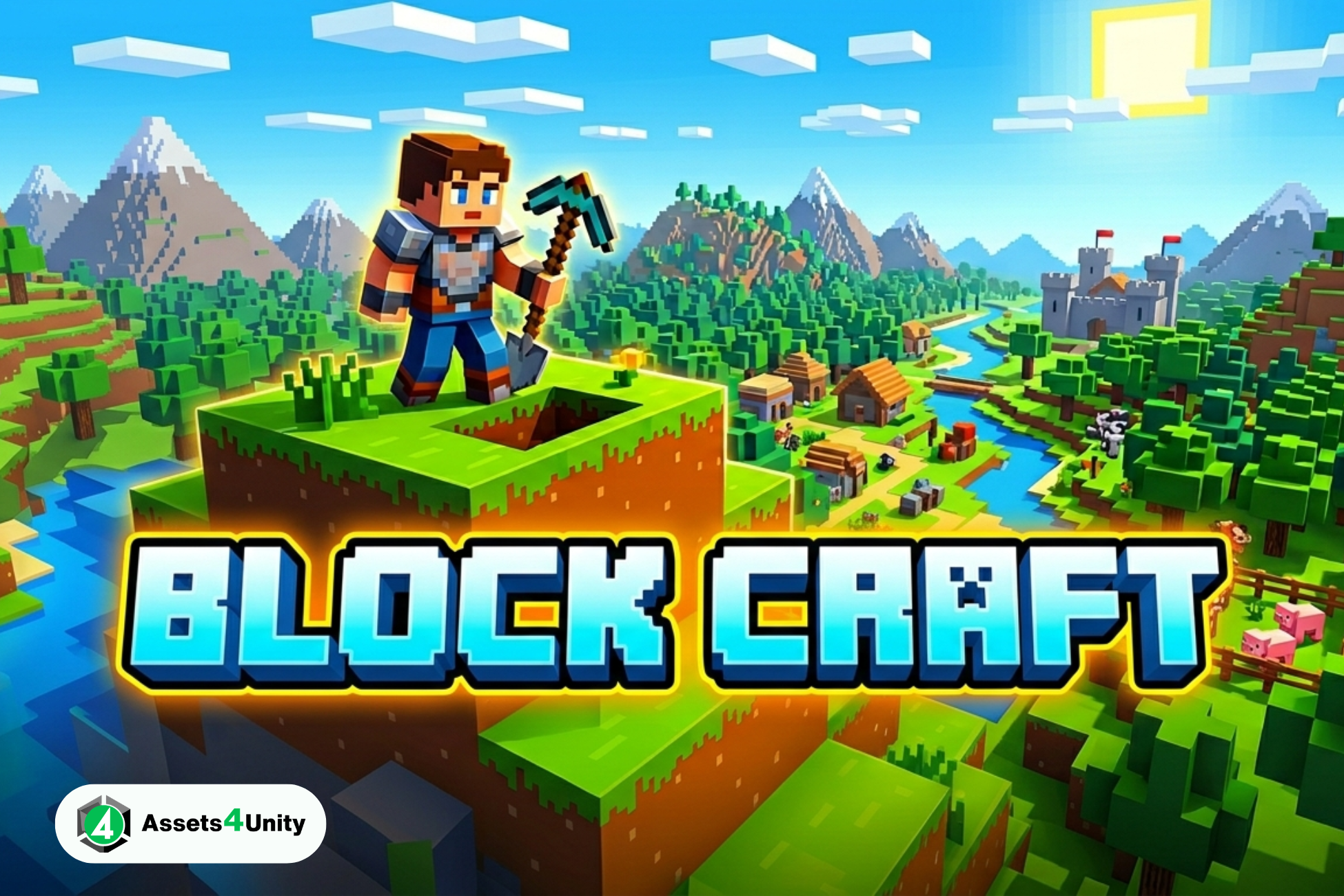
Craft World Voxel Crafting is a complete, ready-to-publish voxel sandbox game for Android & iOS. Build, explore, and earn with AdMob integrated. Get your Craft World Voxel Crafting source code today!
Craft World Voxel Crafting: Your Complete Voxel Sandbox Game Source Code
Are you looking for a ready-to-publish voxel sandbox game that can generate revenue from day one? Look no further.
Craft World Voxel Crafting is a complete, professional-grade game project built with Unity. It delivers the creative freedom of top-tier voxel builders while giving you full ownership and monetization control.
Whether you’re an entrepreneur, a game studio, or an indie developer, this package lets you launch your own Minecraft-style game on Android and iOS within days – not months.
Table of Contents
- What Is Craft World Voxel Crafting?
- Why Choose Craft World Voxel Crafting?
- Key Features Breakdown
- Monetization Ready: AdMob Integrated
- Technical Specifications
- Easy Customization & Reskinning
- What’s Included in the Package
- Who Is This Game For?
- Comparison: Craft World Voxel Crafting vs. Building From Scratch
- Frequently Asked Questions
- How to Get Started
What Is Craft World Voxel Crafting?
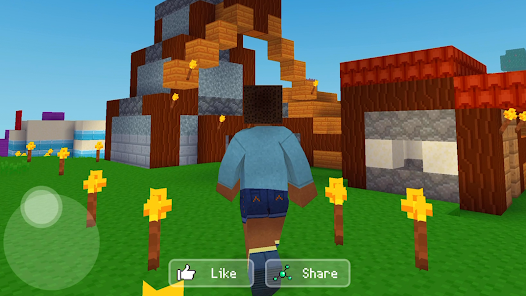
Craft World Voxel Crafting is a complete, ready-to-launch 3D sandbox game built on Unity. It gives players an unlimited procedurally generated voxel world where they can:
- Build simple houses or massive dream castles
- Explore infinite lands by walking or flying
- Craft new blocks by combining resources
- Experience increasing gameplay difficulty
The game is designed to be a great alternative to Minecraft – familiar enough for players to jump in instantly, yet unique enough to stand on its own.
Why Choose Craft World Voxel Crafting?
1. Complete & Ready to Publish
Most game templates require weeks of bug fixing and feature completion. Craft World Voxel Crafting arrives fully functional. You can build and upload to Google Play and the Apple App Store immediately after customization.
2. Dual Platform Support
- Android: Build APK or AAB (API 36, 64-bit)
- iOS: Full Xcode project export
3. Developer-Friendly Code
The entire codebase is clean, commented, and modular. A junior developer can reskin and reconfigure the game. A senior developer can extend it with new features.
4. Built-In Monetization
AdMob integration is already implemented. Just add your ad unit IDs and start earning from day one.
To Go Live:
- Create a free Google AdMob account (external resource – opens in new tab)
- Add your app with your unique package name
- Copy your ad unit IDs into the
AdManager.csscript - Build and publish
💡 Pro Tip: Test with sample AdMob IDs first, then swap to live IDs before release.
Who Is This Game For?
Craft World Voxel Crafting is ideal for:
1. Entrepreneurs & App Publishers
Launch a trending game category (voxel sandbox) without spending 6+ months and $20,000+ on development.
2. Game Development Studios
Use this as a white-label product for clients. Reskin, customize, and deliver within weeks.
3. Indie Developers
Learn from a professional, clean code. Modify and extend the game as your first commercial product.
4. YouTubers & Content Creators
Create your own “Minecraft clone” for your audience. Add your branding, custom blocks, and monetize with ads.
5. Educational Institutions
Teach game development concepts using a complete, working voxel engine as a reference project.
How to Get Started
Ready to launch your own voxel sandbox game? Here’s your path forward:
Step 1: Purchase Craft World Voxel Crafting
Click the Buy Now button. You’ll receive immediate download access.
Step 2: Install Unity (Free)
Download Unity Hub (external resource – opens in new tab) and install Unity 2021.3 LTS or newer.
Step 3: Open & Customize
Follow the included setup guide to change the game name, icons, and textures.
Step 4: Add Your AdMob IDs
Create a free Google AdMob account and paste your ad unit IDs into the script.
Step 5: Build & Publish
Build an AAB for Google Play and an Xcode project for the Apple App Store.
Step 6: Start Earning
Watch your downloads grow and your ad revenue climb.
Related Products
Same Contributor


Featured Products